Settings Masterclass
Chat & Input Configuration
Optimizing your interaction loop.
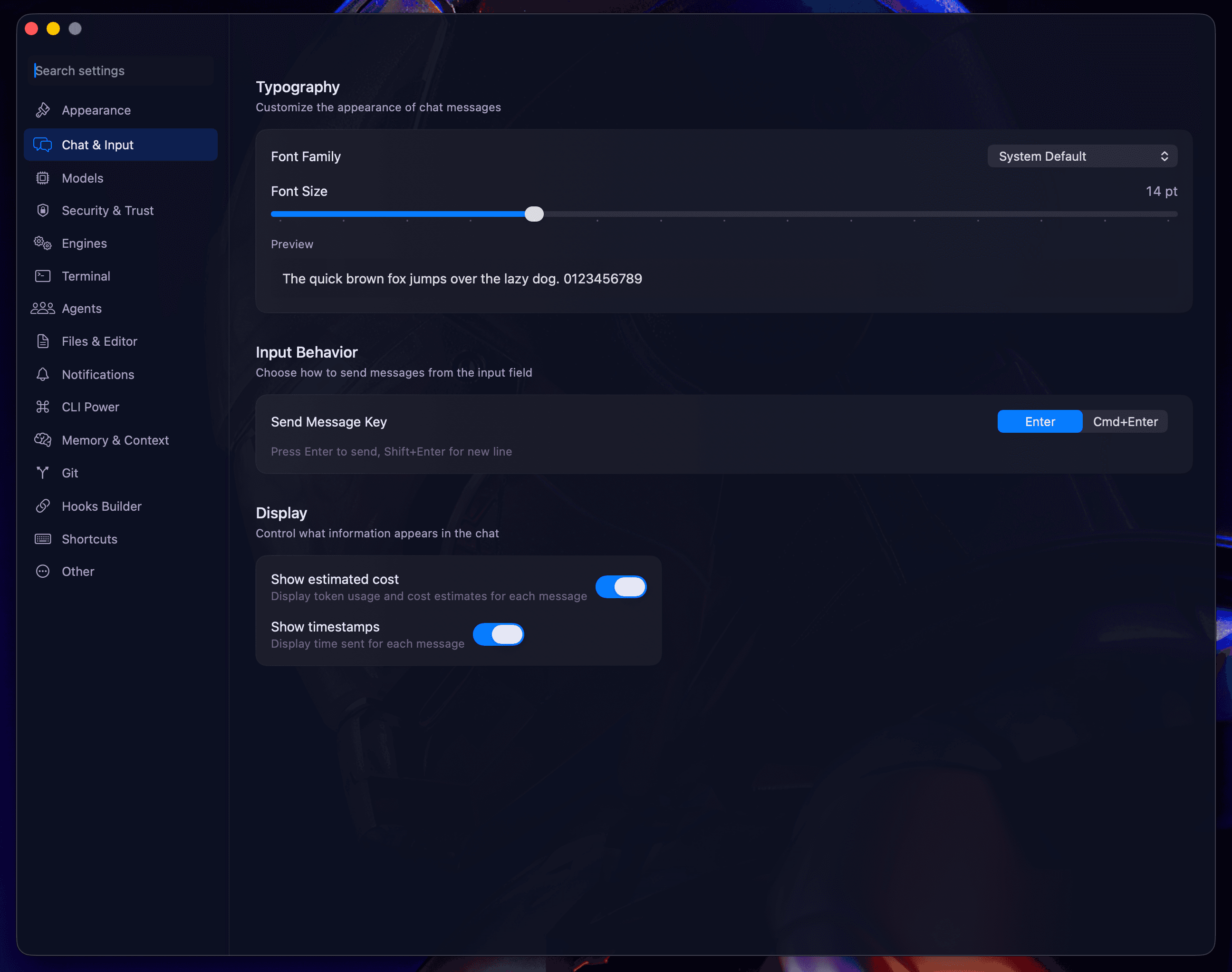
Fine-tune how you communicate with your agents. The Chat & Input section focuses on readability and efficient command entry.
Readability
- Message Bubbles: Toggle between rounded, square, or minimal bubble styles.
- Timestamps: Choose to show timestamps always, only on hover, or never.
- Spacing: Adjust line height and message padding (Compact, Comfortable, or Spacious).
Code Rendering
Blaze supports high-fidelity syntax highlighting. You can customize the font family used for code blocks and terminal output:
- SF Mono: The macOS system standard.
- JetBrains Mono: Optimized for developer eyes.
- Fira Code: Includes ligature support.
Input Behavior
- Auto-expand: Decide if tool cards should automatically expand when they finish executing.
- Send Shortcuts: Configure if
EnterorCmd+Entershould be the trigger for sending your prompt.
Next: Security & Trust Spectrum.