Settings Masterclass
Engines & CLI Adapters
Managing the connection to agentic CLIs.
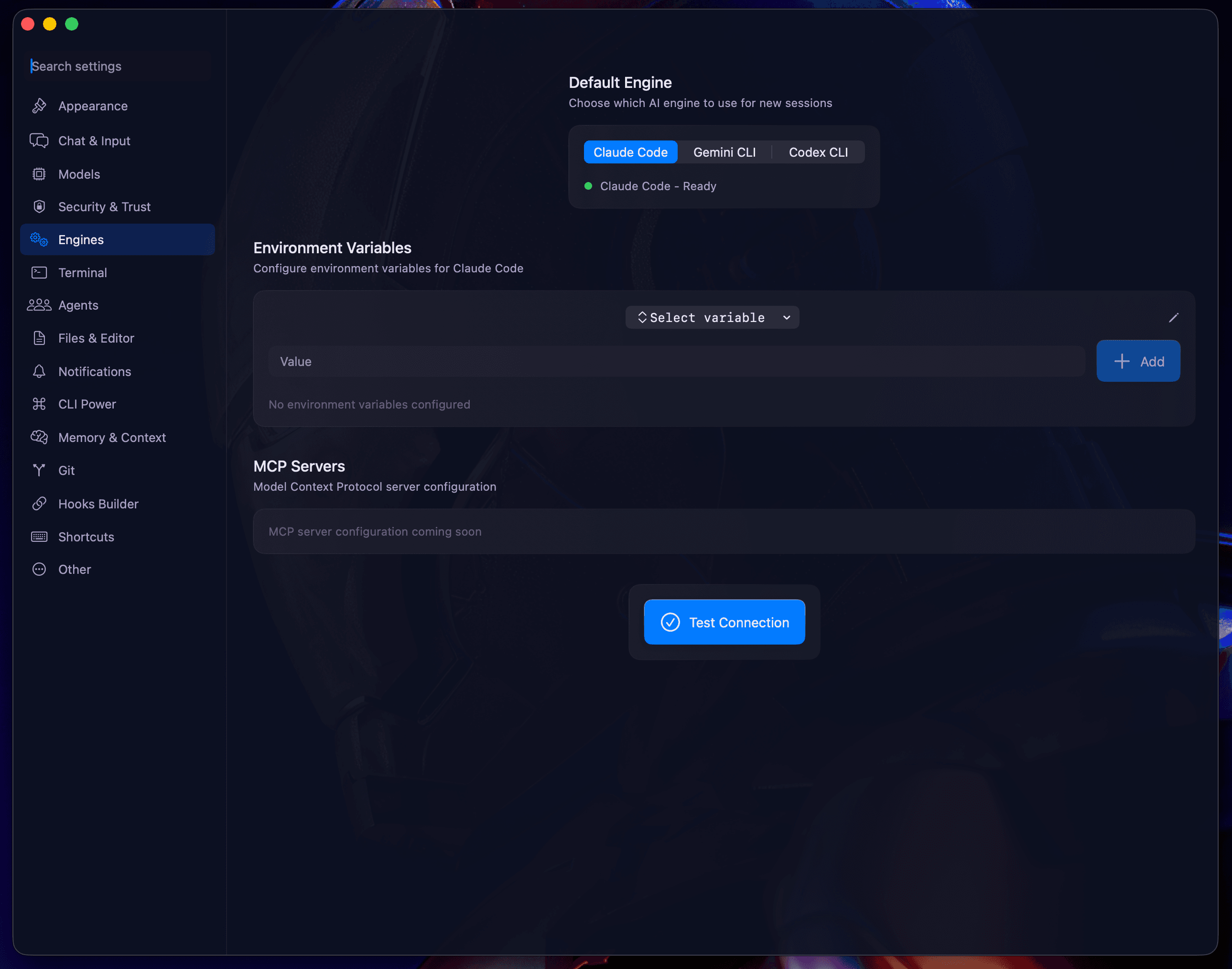
The Engines section is where you configure how Blaze talks to your system's AI CLI binaries. It provides granular control over paths and environmental context.
Binary Paths
If you have installed CLIs in non-standard locations, you can manually map their executable paths here:
- Claude Binary: Path to
@anthropic-ai/claude-code. - Gemini Binary: Path to the Google Gemini CLI.
- Codex Binary: Path to the OpenAI Codex adapter.
Environment Variables
Some CLI tools require specific environment variables for authentication or custom behavior (e.g., ANTHROPIC_API_KEY, GOOGLE_APPLICATION_CREDENTIALS).
- Secure Injection: Variables are passed securely to the CLI process and never stored in cleartext logs.
- MCP Headers: Configure custom headers for Model Context Protocol (MCP) server connections.
Registry Integration
Manage your connection to the remote extension registry. You can toggle automatic updates for downloaded Skills and Plugins.
Next: Terminal Integration.