Settings Masterclass
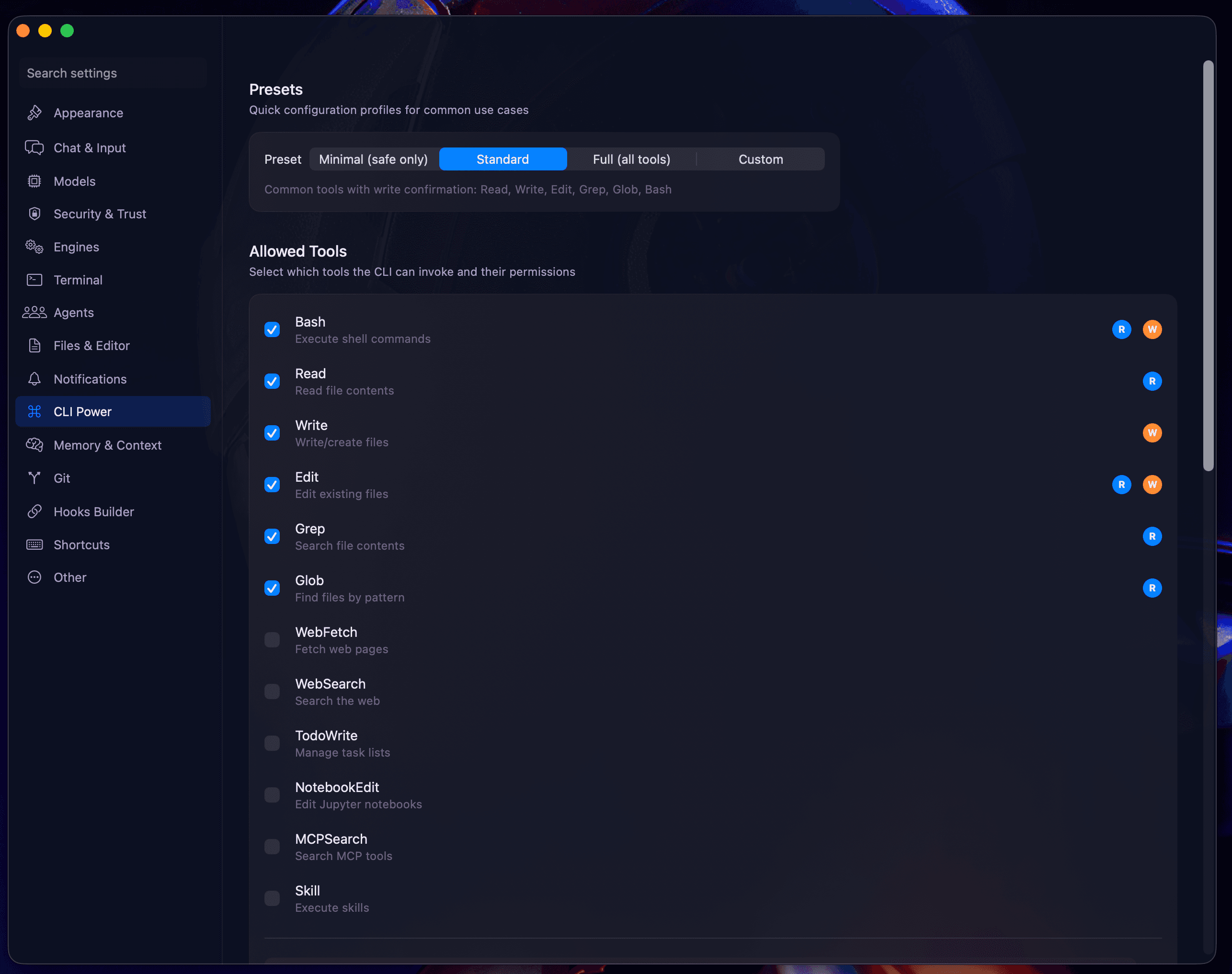
CLI Power Settings
Advanced resource management.
For users running massive parallel workloads, the Power Settings allow you to fine-tune how agent processes consume system resources.
Process Priority
- Thread Priority: Assign "High," "Normal," or "Low" priority to CLI child processes.
- Efficiency Mode: Automatically switch agents to low-power mode when your MacBook is on battery.
Resource Limits
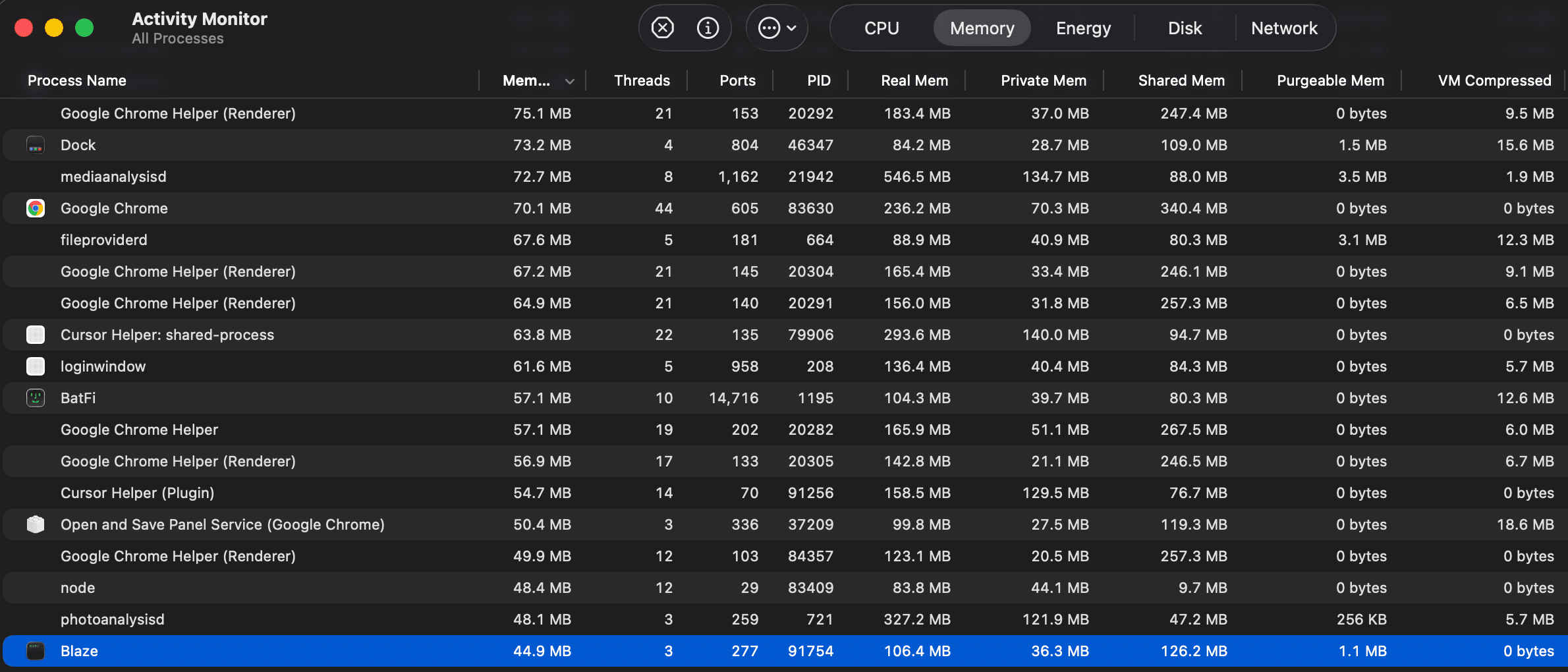
- Memory Limit per Agent: Set a hard cap on RAM usage per CLI process (e.g., 512MB).
- CPU Cap: Limit the percentage of total system CPU an agent can spike to.
Process Re-use
Toggle "Hot Spawning" to keep CLI processes warm between prompt turns, significantly reducing "time to first token."
Next: Memory & Context Compaction.