Settings Masterclass
Terminal Integration
Configuring the native terminal backend.
Blaze includes a high-performance terminal emulator powered by SwiftTerm. This section allows you to customize the behavior and look of your embedded shell.
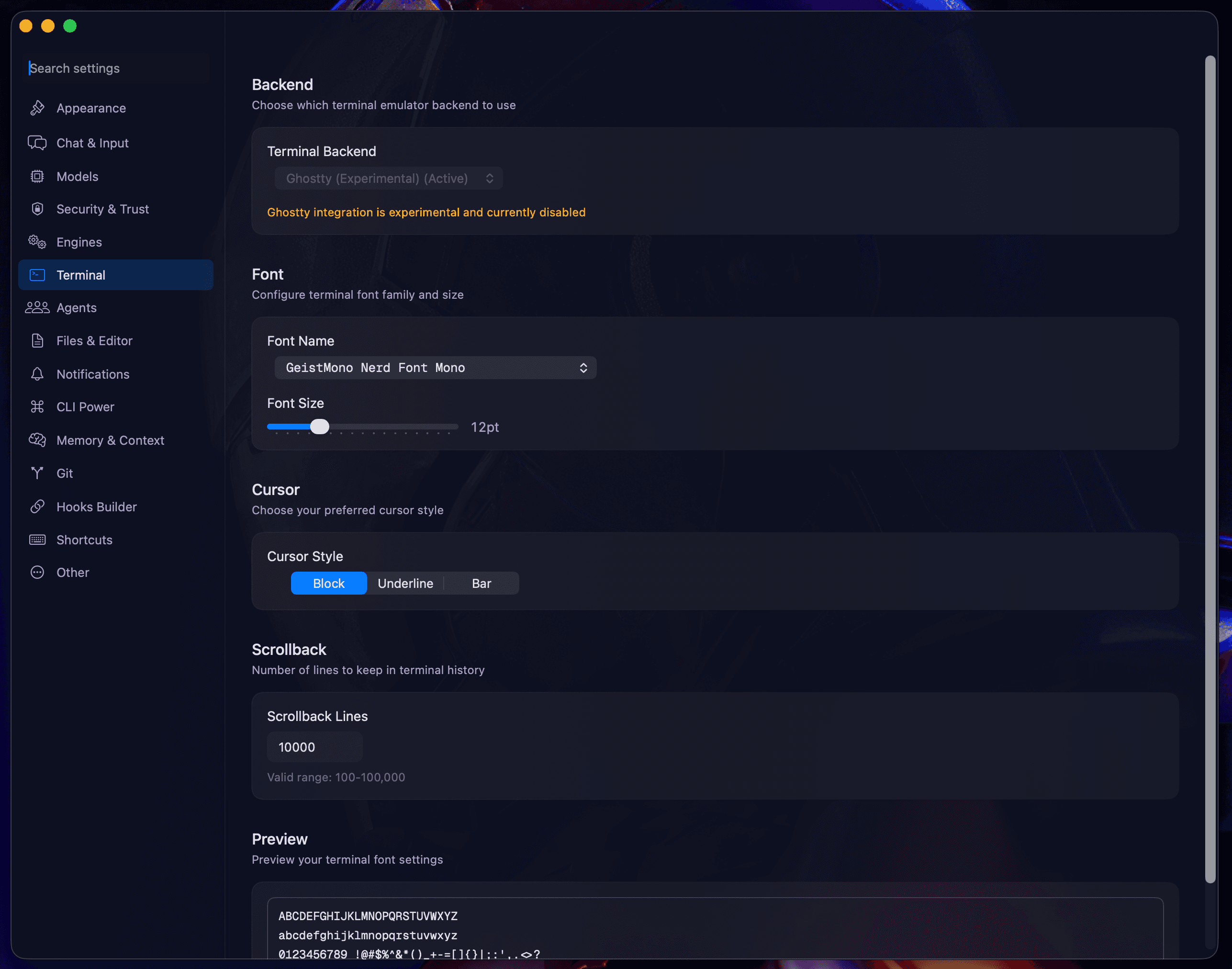
Shell Configuration
- Shell Executable: Choose your preferred shell environment (default:
/bin/zsh). - Startup Arguments: Pass custom flags to your shell on session initialization (e.g.,
-lfor login shell).
Visuals & Rendering
- ANSI Colors: Customize the 16-color palette used in terminal output. Choose from presets like "GitHub Dark" or "XTerm."
- Scrollback Buffer: Set the number of lines to keep in memory (default: 5000 lines).
- GPU Acceleration: Toggle metal-based rendering for buttery smooth 60fps terminal updates.
Interaction
- Bell Sound: Enable/disable the system alert sound on shell terminal bell.
- Copy on Select: Automatically copy selected text to the macOS clipboard.
Next: Agents & Concurrency.